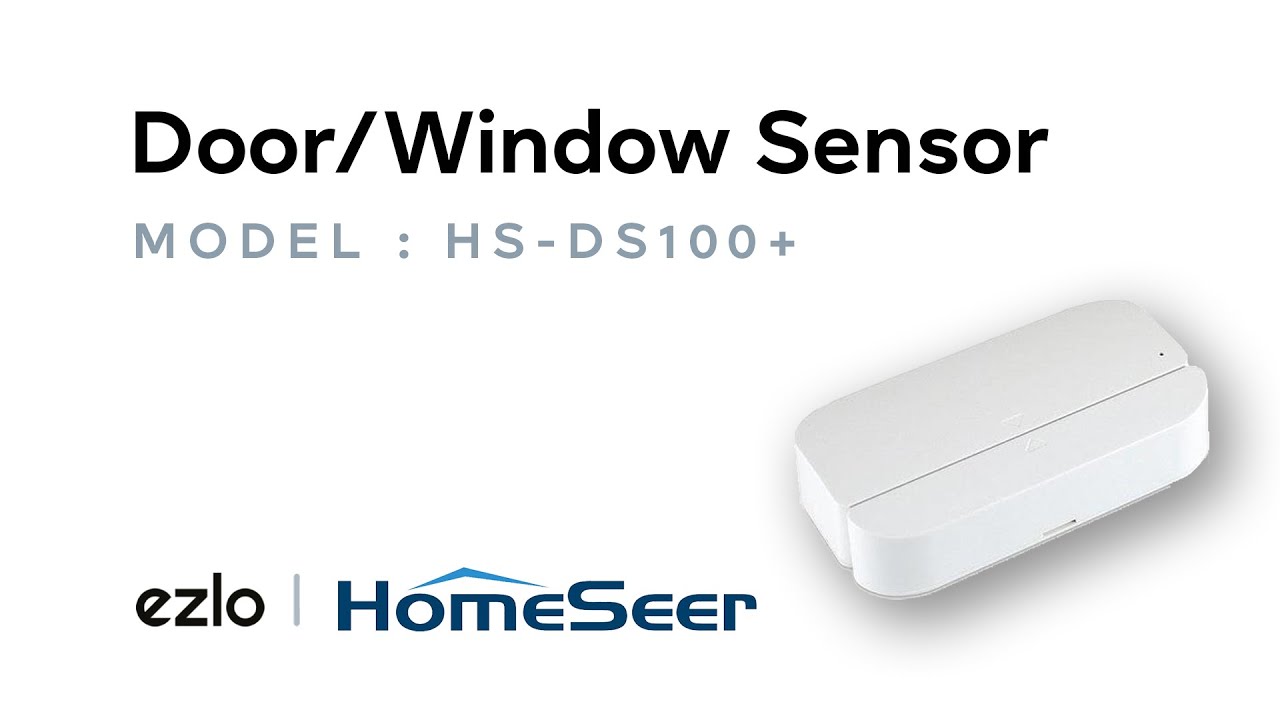
How to Pair a Homeseer Door/Window Sensor HS-DS100+
The pairing process is easy as Ezlo controllers work well with Homeseer Door/Window Sensor HS-DS100+.
- To begin, separate the two parts of the sensor while ensuring they are close to the controller.
- Open the back cover of your sensor to reveal the batteries and inclusion button.
- On the MiOS app, go to More > Devices, tap the “+” symbol, select the controller where you want to add the device, then go to select your device and then follow the on-screen prompts.
- Click “Next” and go back to the sensor.
- Remove the battery cover of your sensor to reveal the batteries and the action button.
- Press the action button twice, and the pairing process commences.
- Go to your MiOS app and confirm the pairing once the app identifies the device.
- Click on “Next” on the app to finalize the pairing process.
Congratulations!
You can now use this sensor to trigger Meshbots actions such as unlocking a door and notify you.